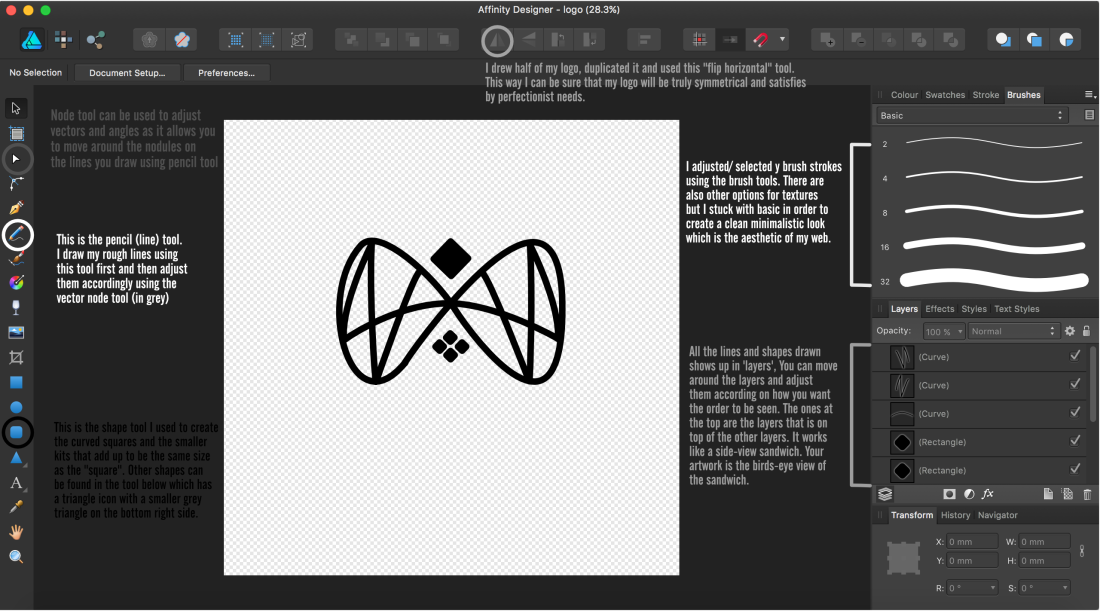
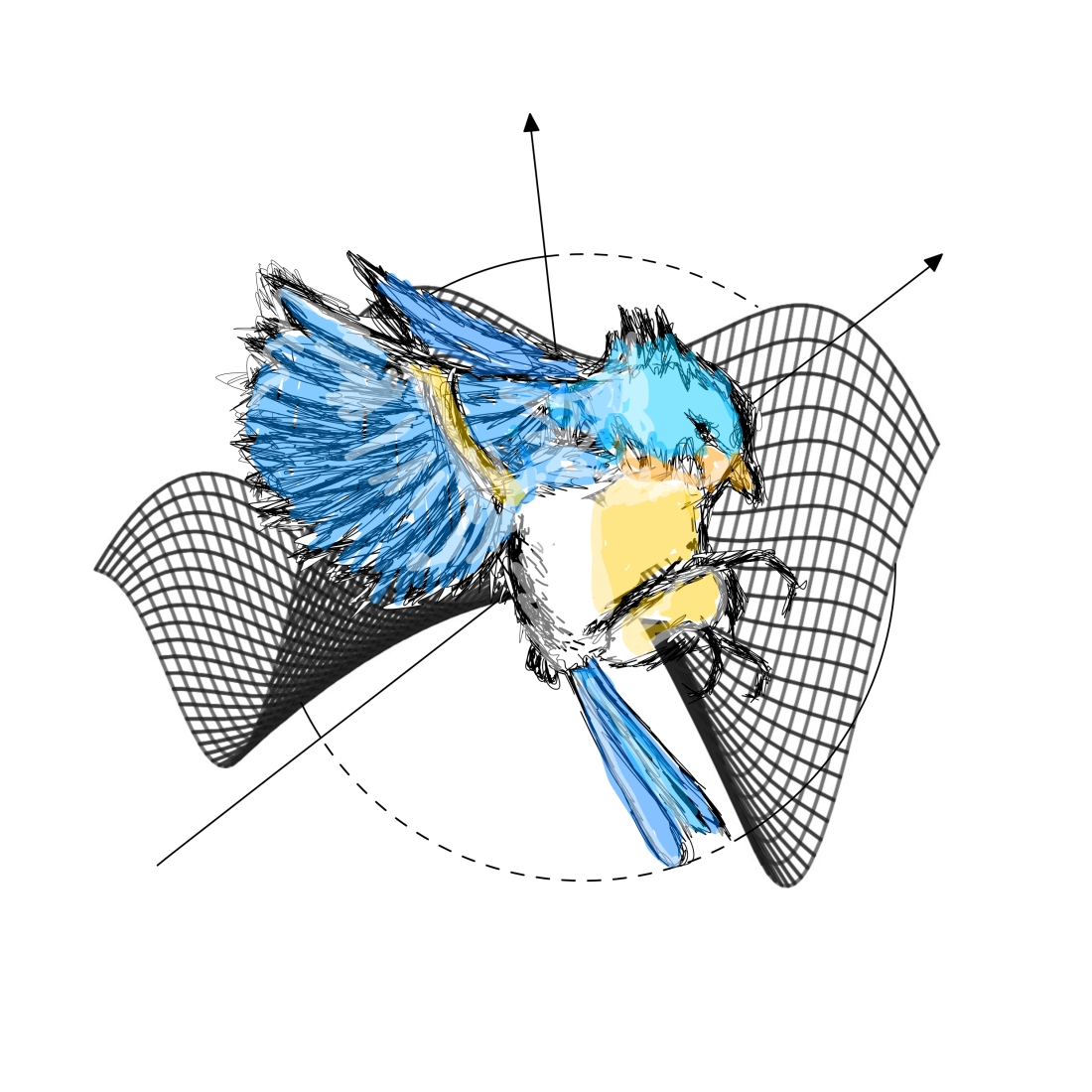
Remarks: This was a trial drawing that I used to test out the different tools on the software and to see how the concept would turn out.
BACKGROUND
My background is comprised of 3 elements:
- A 3D cosine graph.
- I used the desmos graphing website to create this.
- Equation used: f(x,y) = cos((x+y))+(x^2/6)-(y^2/6)
- I screenshot the picture and then got rid of the white background using photoshop.
- Layer 3
- A circle (alternating dashed lines and whole lines)
- 60 mm radius / 120 mm diameter
- 0.9 pt thickness
- Layer 1
- Arrows
- 170 mm line
- The line goes through the center of the circle
- 0.9 pt thickness
- Layer 2
The canvas size I used was 210 by 210 mm.
THE BIRD
Sketch
- The Bird was sketched using a BAMBOO pad along with the Affinity Designer Software
- 0.5 pt thickness
- I sketched the bird on a different page before copying and pasting it onto my background layer.
- I avoided using straight clean lines and opted for rough sketches instead to make the bird look more alive as well as to give it more dimension.
- Layer 4
Colours
- 4.6 pt thickness
- I followed the color scheme of a robin bluebird which was: White, Blue, and Yellow
- I muted the opacity down to 46% for all the colors
- I “blended” the areas that had a color change with white to add dimension to it.
- Layer 5